Breakdown and downtime tracking
Turn every stoppage into the fix that stops the next one.
Breakdown and downtime tracking in MaintenanceIQ records every stoppage against the machine it hit, links it to the corrective work order that fixed it, and turns that history into downtime, MTBF and MTTR numbers. It helps your shift supervisor report a failure in seconds, your technician start the repair with hints from past jobs, and your maintenance manager see which machines keep stopping.
The problem
When the line stops, the record is the first thing lost
Your maintenance manager walks into the morning meeting and is asked a simple question: which machine stopped us most last month? The honest answer is often a guess. The breakdown was shouted across the floor, fixed under pressure, and written up later from memory, if it was written up at all.
The same failure then comes back. A different technician meets it for the first time, spends the first half hour finding what the last person already knew, and walks to the store for a part someone else already found worth keeping nearby. Nobody is careless. The knowledge simply never landed anywhere.
Good breakdown records fix this. When every stoppage is captured against its machine, with a start time, a resolution and the work that closed it, the repeat offenders become obvious and the next repair starts from what your team already knows.
Report
Report the stoppage the moment it happens
Anyone with the right role can report a breakdown from the installable mobile app or a desktop browser, standing at the machine. Requesters and technicians report as it happens, so the start time is stamped to the current time and nobody has to argue about it later.
When a stoppage is logged late, a manager or admin can set the real start time. Breakdowns can be resolved and reopened, so a repair that did not hold stays on the same record instead of becoming a new, unconnected event.
- Logged against the asset in your plant hierarchy
- Start time stamped automatically for requesters and technicians
- Managers and admins can correct the start time
- Resolve and reopen on the same record
- With the Condition Monitoring add-on, a critical reading can open a breakdown automatically, without duplicates
Triage
Start the repair with what your team already knows
When someone reports a breakdown, MaintenanceIQ looks back through your own past repairs on that machine and shows triage hints: the likely causes (click one to fill it in), the parts often used on those repairs, and the usual priority your team gave similar jobs.
If the machine has little history, the hints widen to similar machines. This is retrieval from your records, not a black-box prediction. Every hint is a suggestion, and your technician or supervisor can override any of them.
- Likely causes, drawn from past breakdowns on the machine
- Parts often used, so the right spare comes to the machine first
- Usual priority, so the job is ranked the way your team ranks it
- Widens to similar machines when history is thin
- Always overridable
Flow
From breakdown to corrective work order
A breakdown and its fix stay on one chain, so you can always trace what stopped, what was done and who did it.
- 01
Report
The operator or supervisor reports the breakdown against the machine. The start time is stamped and the triage hints appear.
- 02
Raise the work order
One action spawns a linked corrective work order. Its title, type (corrective) and due date (today) are set from the breakdown.
- 03
Repair
The technician works the job with its checklist, records the parts consumed and adds photos from the device in hand.
- 04
Resolve
The work order closes and the breakdown is resolved. If the fault returns, the breakdown is reopened rather than lost.
- 05
Learn
The record now feeds the downtime totals, MTBF and MTTR, the bad-actor ranking and the next set of triage hints for that machine.
What it feeds
Why breakdown and downtime tracking pays off beyond the repair
A clean breakdown record is captured once and used many times. Because every stoppage sits against an asset with its times and its linked work, the numbers your plant head asks for build themselves.
- Reliability analytics: downtime, MTBF and MTTR per machine, plus a bad-actor ranking of the assets that stop you most. See MTBF and MTTR analytics.
- OEE: the Availability factor is derived from the breakdowns you log, so nobody keys downtime in twice. See OEE software.
- Cost: downtime hours are priced at your organization's rate and rolled into maintenance cost by asset and area. See maintenance cost analytics.
- Asset Risk (Beta): breakdown frequency and recency are among the factors in each asset's explainable risk score.
- Evidence: the compliance evidence pack includes a breakdown to corrective action to closure section, with who and when on every row.
Worked example
A month of stoppages on one press
Worked example (illustrative)
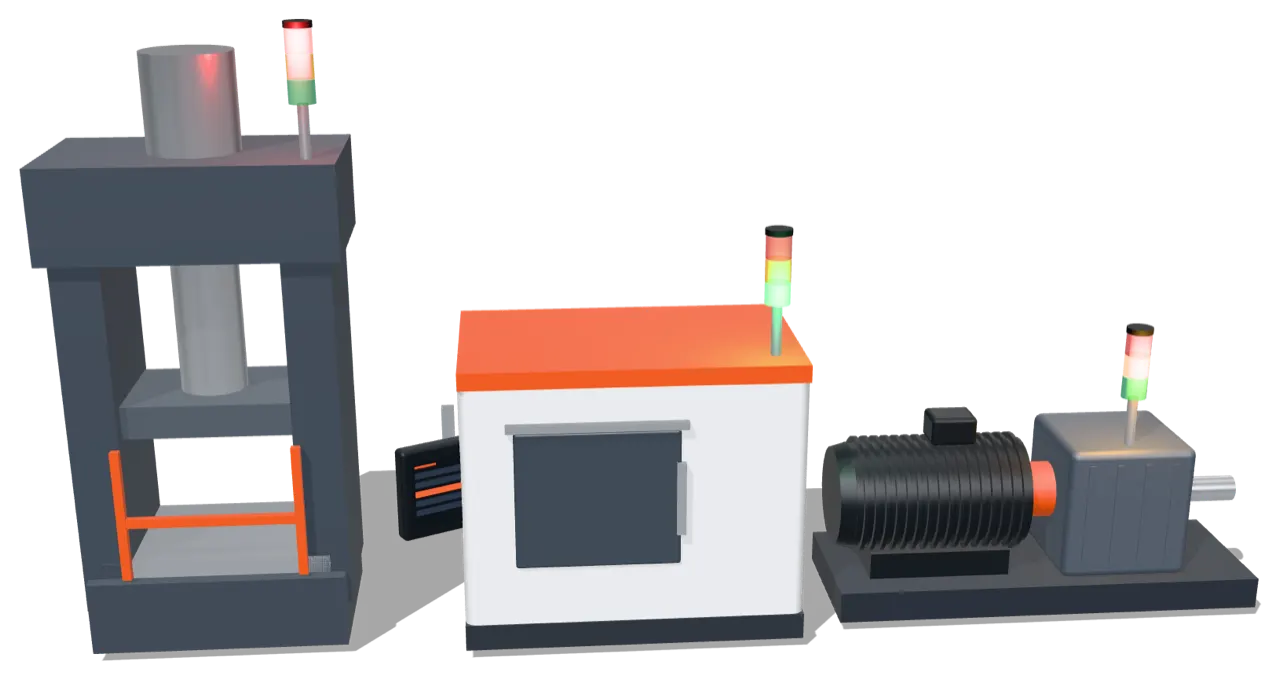
Take the HP-11 hydraulic press (an illustrative machine). Over four weeks your team logs four breakdowns against it. Each one is resolved through a linked corrective work order, so the downtime for each is the time from the reported start to resolution.
By the fourth report, the pattern is already in the record. When the supervisor reports the fourth stoppage, the triage hints list a hydraulic leak as the likely cause, show the hose kit as the part most often used, and suggest the priority the team gave the earlier hydraulic jobs. The technician takes the hose kit to the press on the first trip.
| Breakdown | Cause recorded | Downtime (hours) |
|---|---|---|
| 1 | Hydraulic leak | 2.5 |
| 2 | Limit switch fault | 1.0 |
| 3 | Hydraulic leak | 3.0 |
| 4 | Hydraulic hose burst | 1.5 |
| Total | 4 breakdowns | 8.0 |
Total downtime is 8.0 hours across 4 breakdowns, so MTTR for the month is 8.0 ÷ 4 = 2.0 hours. Three of the four stoppages are hydraulic, which tells your planner where a preventive task belongs.
Frequently asked questions
What does a breakdown report capture?
The machine, the start time, the cause, the resolution and the linked corrective work order. Requesters and technicians report as it happens, so the start time is stamped to the current time. Managers and admins can set the start time when a stoppage is logged late.
Where do the triage hints come from?
From your own past repairs on that machine: likely causes, parts often used and the usual priority. When a machine has little history, the hints widen to similar machines. They are suggestions, and every one can be overridden.
Can a breakdown open a work order?
Yes. One action spawns a linked corrective work order with its title, type and due date set from the breakdown. The link is kept on both the breakdown and the asset, so the cause and the fix stay connected.
Can my team report breakdowns from the floor?
Yes. The installable mobile app installs from the browser and works on phones and tablets. It loads when the signal drops, but saving a report needs a connection.
How does downtime tracking connect to OEE and MTBF?
Logged breakdowns supply the downtime behind OEE Availability and the failures and repair times behind MTBF and MTTR, so the same record drives all three.